Technical Support
Default Email on Cell Phone
Prior to reaching out to the Admin Team for assistance with computer and IT-related concerns, please follow the checklist provided.
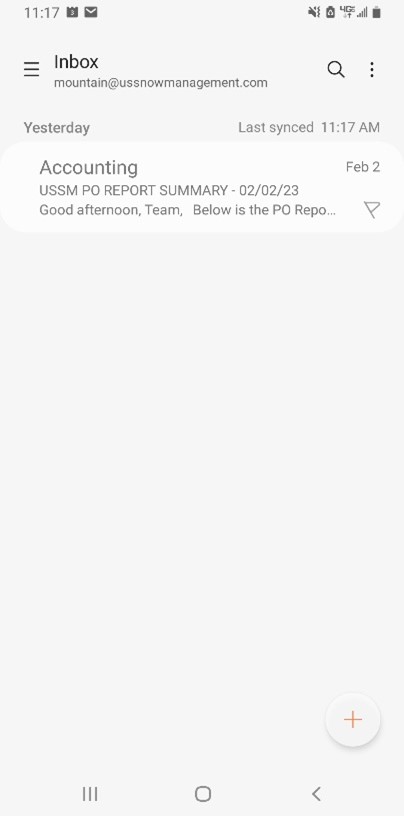
- Open Email
- Click the three lines in top left
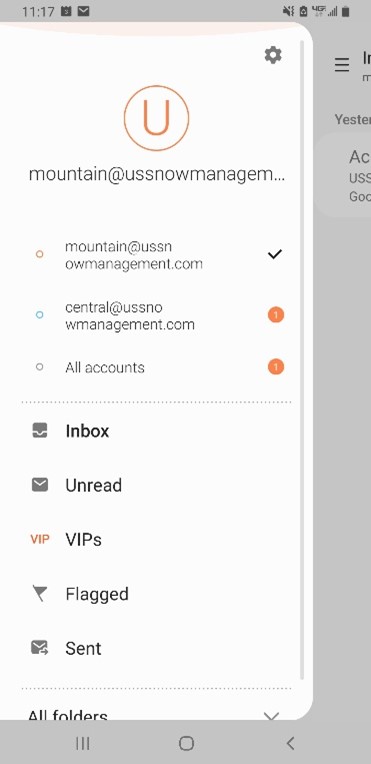
- You will then see this screen. Click on settings in the right corner.
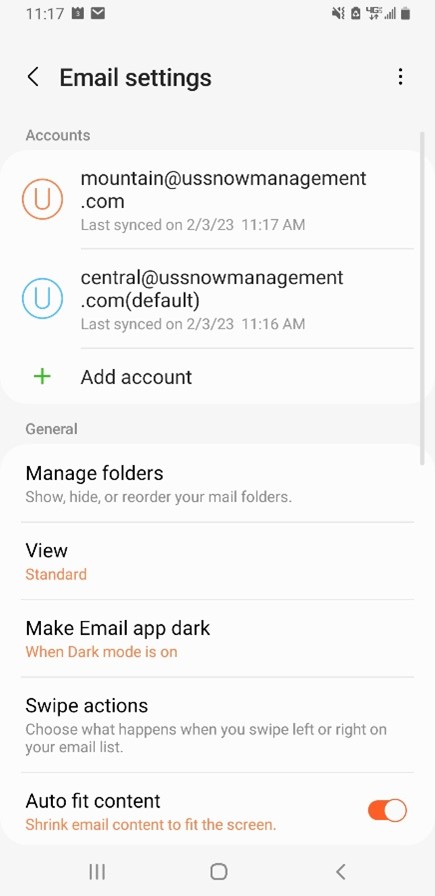
- That will bring you to this screen. Click the three dots in the top right corner. That should say set default account.
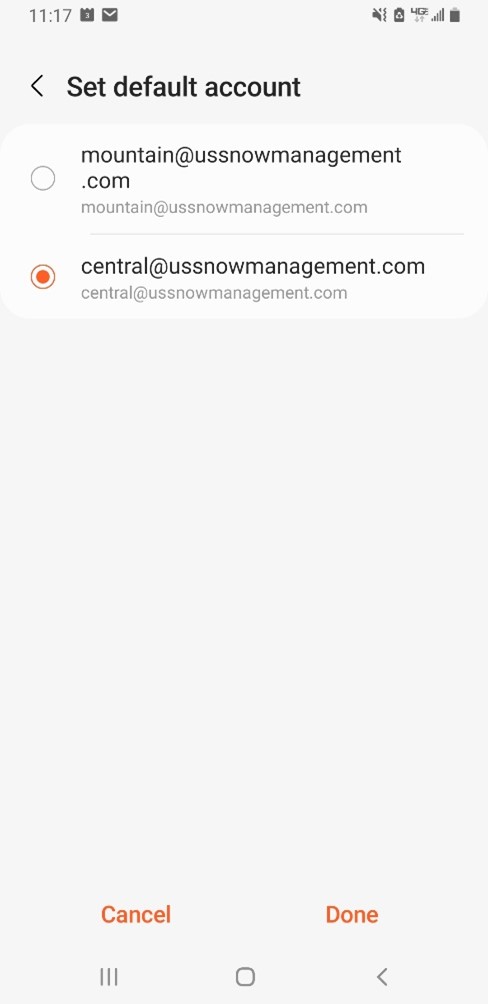
- You should then see a screen with all the emails on your phone. Select the one you want to be the default and then click done.